What is hydra?
Hydra is live code-able video synth and coding environment that runs directly in the browser. It is free and open-source and made for beginners and experts alike.
Hydra is written in JavaScript and compiles to WebGL under the hood.
Hydra - inspired by analog modular synthesis
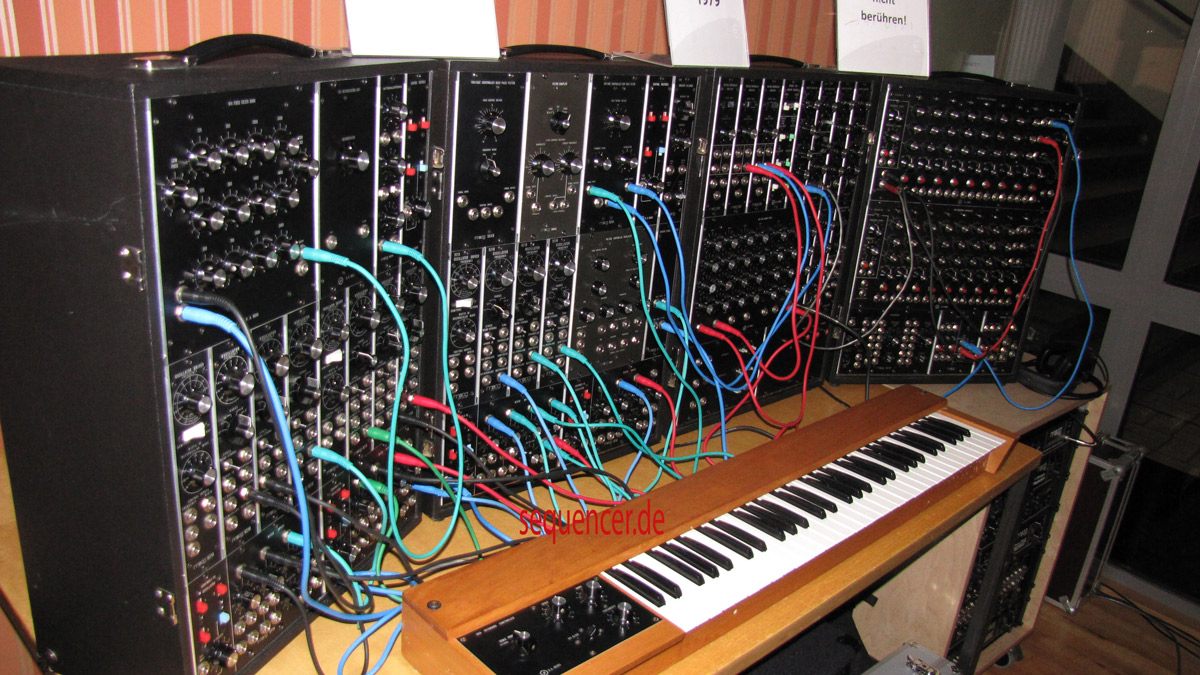
In which chaining or patching a set of transformations together generates a visual result.
hydra example
Super Easy Starting Point
This is going to be easier if you can have a play without have to type the commands.
Open this https://utcsheffield.github.io/utc-olp-hydra-toy-cam/
- This will use either your camera or a video of stuff at school.
- Wave your mouse over the commands.
- Click [SELECT] when you like an effect
- Click Skip to go to the next set of choices.
- Notice the code at the bottom and copy it
Edit it
Visit https://hydra.ojack.xyz/ get into the editor and paste the code in.
It probably won’t work if you were using the camera so copy one of the lines below in at the top.
s0.initCam() // If you were using the camera
s0.initVideo("https://utcsheffield.github.io/xibo-screen-info/UTC%20OLP%20Promo.mp4") // For the video
https://hydra.ojack.xyz/?sketch_id=ISD4DlyEMlsglL5V
Play about with dice
Click the Dice to make it tweak the numbers at random. It also arranges the code so you can // comment out lines. Press Shift+Ctrl+Enter to rerun the edited code.
Play about with hydra
Docs etc.
For more information and instructions, see: the interactive documentation, a list of hydra functions, the community database of projects and tutorials, a gallery of user-generated sketches, and the source code on github,
Store your code
- Upload to gallery with the
 button & if you have a Github account please post the link in the comments below.
 - Or paste the code in to the comment but it will be harder to work with